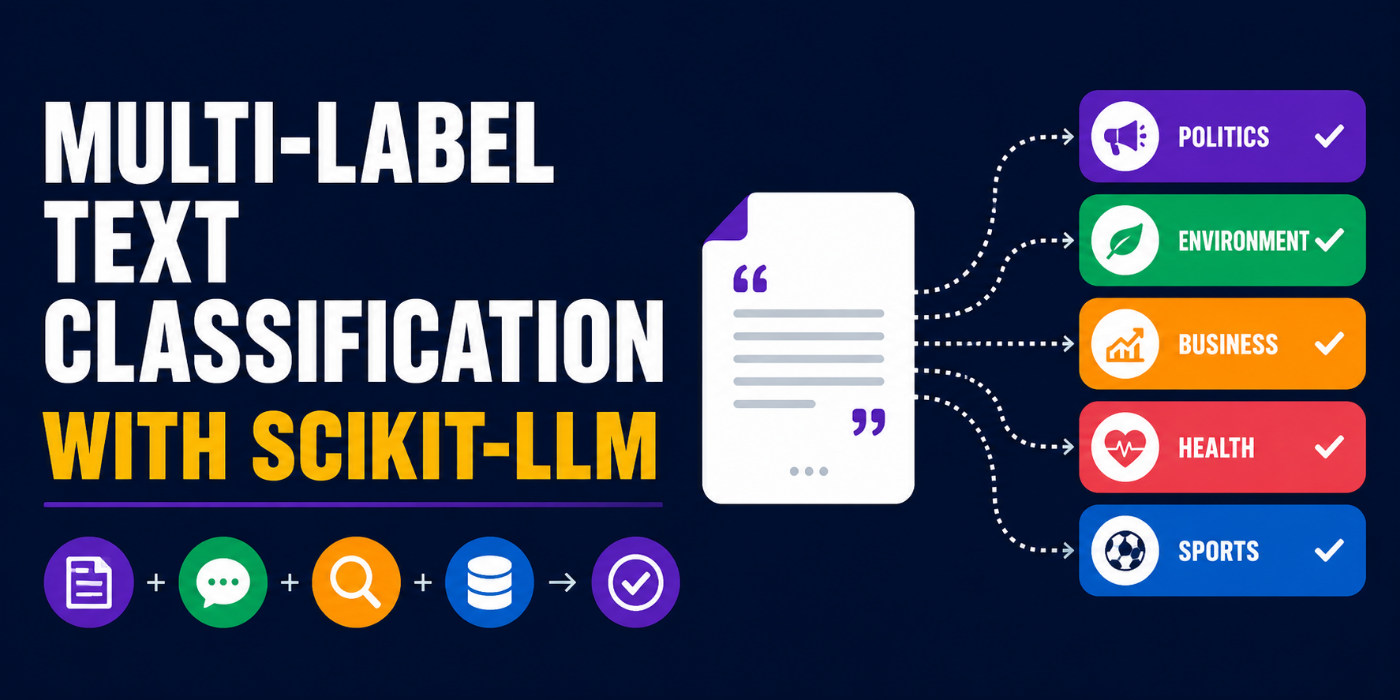
In this article, you will learn how to perform multi-label text classification using large language models and the scikit-LLM library, without the need for labeled training data or complex model training.
Topics we will cover include:
What multi-label classification is and why it matters for nuanced text analysis.
How to set up and configure scikit-LLM with a free, open-source LLM from Groq for zero-shot inference.
How to load a real-world dataset and run multi-label sentiment predictions using a familiar scikit-learn-style workflow.
Multi-Label Text Classification with Scikit-LLM
Introduction
Text classification typically boils down to scenarios where a product review is “positive” or “negative”, or a customer inquiry belongs to one category or another. However, when it comes to human sentiments, the categorization is rarely clean-cut. Even a single sentence can sometimes convey both joy and anger — for instance, “I absolutely love the enhanced battery life, but the new design is incredibly awful.” Enter multi-label classification: an “upgraded” classification task capable of assigning multiple categories to data objects like pieces of text simultaneously.
Building multi-label classifiers for text normally requires large amounts of labeled training data alongside complex neural network architectures, but today there is a master trick: leveraging large language models’ (LLMs) reasoning ability — concretely, zero-shot reasoning. Thanks to novel libraries like scikit-LLM, this can be done just like using a traditional machine learning workflow with scikit-learn. This article will show you how, by addressing a multi-label sentiment classification problem using a real-world, open-source dataset.
Step-by-Step Walkthrough
Scikit-LLM stands out for a good reason: it acts as a fabulous wrapper that makes it incredibly easy for scikit-learn users — and for those new to both libraries, too — to use existing LLMs for inference, without the need for intensive training. The icing on the cake: it also allows using free, open-source LLMs without quota limits. And that’s precisely what we will do: load, adapt, and leverage a pre-trained LLM for a multi-label classification task where a piece of text can be assigned one or multiple categories.
First, we will import the necessary libraries:
1
pip install scikit-llm datasets
We will use a free LLM from Groq, a resource that provides fast-inference LLMs, so be sure to register on its website and get an API key here. You’ll need to copy this key once it is created (note it can only be copied once) and paste it in the code below:
1
2
3
4
5
6
7
8
9
10
11
12
from skllm.config import SKLLMConfig
from skllm.models.gpt.classification.zero_shot import MultiLabelZeroShotGPTClassifier
# 1. Setting your API key (use "any_string" if local)
Notice we specifically instantiated an object of the MultiLabelZeroShotGPTClassifier class to host our pre-trained LLM from Groq.
Next, we import a dataset. Hugging Face has an excellent dataset repository for this, and we will specifically use its go_emotions dataset, which is ideal for our task — depending on the running environment used, you may be asked for a Hugging Face (HF) API key, but obtaining one is as simple as registering on the HF website and creating it.
1
2
3
4
5
6
7
8
9
10
11
12
from datasets import load_dataset
import pandas aspd
# 1. New explicit namespace/name to comply with new HF URI rules in the "datasets" library
You will see an output like this, showing a sample from the loaded dataset:
1
2
Loaded100comments.
Sample:'My favourite food is anything I didn'thave tocook myself.'
To “train” the loaded LLM, we simply need to indicate our domain-specific set of labels, and it will adapt the model for classifying instances using labels from this set. In particular, we will use the following label set:
1
2
3
4
5
candidate_labels=[
"admiration","amusement","anger","annoyance",
"approval","curiosity","disappointment","joy",
"sadness","surprise"
]
We don’t really perform a training process as such: we just expose the model to the label set we specified to instantiate the problem scenario. Here’s how:
1
2
3
# Fitting the model entirely zero-shot by passing X as None for no actual training,
# and providing our labels as a nested list
clf.fit(None,[candidate_labels])
Once the previous steps have been completed, you are almost ready to make some predictions on a few text examples. Let’s do it for five texts in the dataset and show some results:
1
2
3
4
5
6
7
8
# Run the predictions on our Reddit comments
predictions=clf.predict(texts)
# Display the results
foriinrange(5):
print(f"Comment: {texts[i]}")
print(f"Predicted Sentiments: {predictions[i]}")
print("-"*50)
Output excerpt — only two of the five predictions are shown:
1
2
3
4
5
6
100%|██████████|100/100[03:01<00:00,1.82s/it]Comment:My favourite food isanythingIdidn't have to cook myself.
Disclaimer: the article writer and editor do not take liability for the actual content in the third-party dataset being used, and the language used in some of its samples.
Notice how multiple labels can be assigned to a single text as part of the prediction.
Also, do not panic if you find the prediction process taking a while. This is normal, as using these LLMs locally is a computationally intensive process. As contradictory as it may sound, in the example above, inference takes far longer than fitting the model, because we didn’t conduct any actual training, nor did we pass any training set to fit(): we just passed the label set to define our specific scenario.
Wrapping Up
This article illustrated how to conduct a multi-label text classification process with scikit-LLM: a library that leverages the capabilities of pre-trained LLMs and enables their use as if they were classic, scikit-learn-based machine learning models.
As a next step, you could experiment with expanding the candidate label set to better reflect the full emotional range of your target domain, or swap in a different Groq-hosted model to compare prediction behavior. If you want to go further, scikit-LLM also supports other zero-shot and few-shot classification strategies — feeding the classifier a small number of labeled examples can sometimes noticeably sharpen its predictions without requiring a full training pipeline. Finally, for production use cases, it is worth building a proper evaluation loop to measure label-level precision and recall against a held-out annotated sample, so you have a concrete sense of where the model performs well and where it struggles.




No comments yet.