In this article, you will learn how to fine-tune Llama 3 8B for custom tool calling using Unsloth and QLoRA, so that the model reliably outputs structured JSON payloads for a specific API schema.
Topics we will cover include:
Why prompt engineering alone is insufficient for reliable tool calling, and how fine-tuning with QLoRA addresses the problem at the weight level.
How to build and format a tool-calling dataset using Llama 3’s chat template, and what makes a high-quality training example.
How to train, test, and save a fine-tuned tool-calling adapter that runs on a free Google Colab T4 GPU in under 10 minutes.
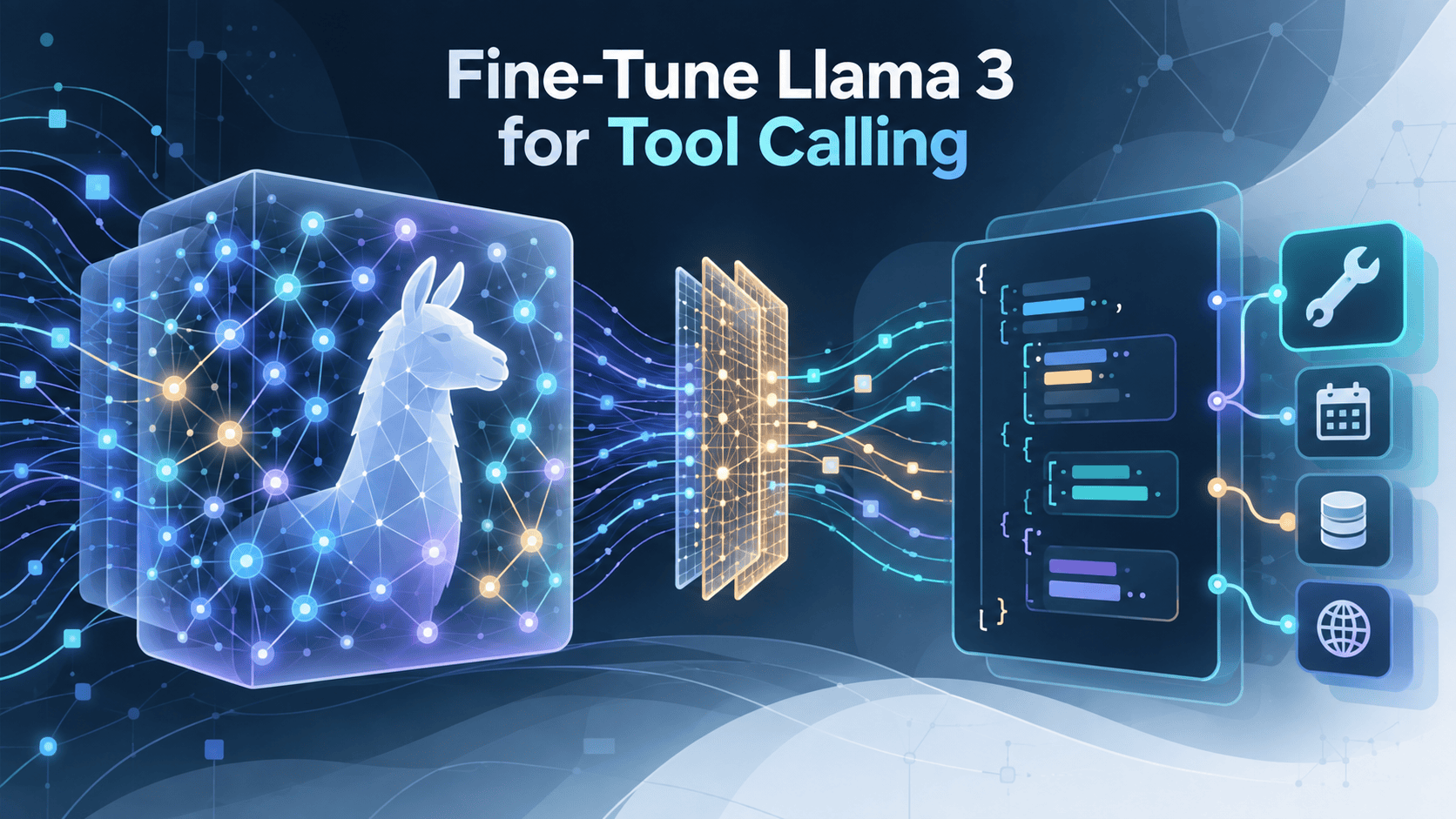
How to Fine-Tune Llama 3 for Custom Tool Calling with Unsloth in Python Image by Author
Introduction
Llama 3 is a capable generalist, but that’s exactly the problem when you need an agent that reliably outputs structured JSON for a specific API. Prompt engineering can nudge a model toward a format, but it can’t guarantee it, and a single malformed response breaks an entire agentic pipeline.
Fine-tuning changes the model’s behavior at the weight level. As covered in The Machine Learning Practitioner’s Guide to Fine-Tuning Language Models, fine-tuning earns its cost when you need deep specialization: a custom tone, strict output formatting, or entirely new capabilities. Tool calling checks all three boxes.
In this tutorial, you’ll use Unsloth and QLoRA to fine-tune Llama 3 8B for custom tool calling: the ability to interpret a user query and return a perfectly formatted JSON payload matching your API schema. The entire workflow runs on a free Google Colab T4 GPU.
Why Tool Calling Needs Fine-Tuning
Before writing any code, it’s worth understanding why prompt engineering alone falls short for tool calling. When you ask a base model to return {"name": "get_weather", "arguments": {"location": "Tokyo"}}, it will often comply in testing, but under pressure from complex queries or long conversations, it drifts. It adds prose, swaps quote styles, or omits required fields.
Fine-tuning addresses this because you’re teaching the model a new behavioral pattern, not just a new piece of knowledge. The distinction matters: retrieval-augmented generation (RAG) works when you need external facts; fine-tuning works when you need consistent behavior. Strict JSON output for a custom API schema is a behavior problem.
QLoRA makes this practical. By freezing the base model’s weights and injecting small trainable matrices into the attention layers, you update roughly 1% of parameters while keeping memory low enough for a free Colab T4. As detailed in How to Fine-Tune a Local Mistral or Llama 3 Model on Your Own Dataset, this approach achieves results comparable to full fine-tuning at a fraction of the compute cost.
Setting Up the Environment and Installing Dependencies
With the “why” covered, let’s set up the tools. Open a new Google Colab notebook, switch the runtime to a T4 GPU (Runtime → Change runtime type → T4 GPU), then run the installation block.
You should see your T4 GPU confirmed. Unsloth handles CUDA configuration automatically, so no additional setup is required before loading the model.
Loading the Model and Configuring LoRA
Now load Llama 3 8B using Unsloth’s pre-quantized model. This version is already stored in 4-bit format, which means no gated Hugging Face token is required and the download is roughly four times faster than pulling the original weights.
With the base model and tokenizer loaded, attach the LoRA adapters. This is where the QLoRA approach becomes concrete: instead of updating all the model’s weights, you’re injecting small, trainable matrices into specific layers. The r parameter (rank) controls how many parameters you train, and lower values reduce overfitting risk when working with small datasets. Note that Unsloth requires lora_dropout=0 to keep its optimized training kernels active; setting a non-zero value forces a fallback to slower code paths.
print("LoRA adapters attached — training ~1% of parameters")
A rank of 8 works well for a focused behavioral task like tool calling. Higher ranks give the model more expressive capacity but increase the risk of overfitting on small datasets. Set lora_alpha to twice r as a reliable starting point.
At this point, the model is loaded, quantized, and wired with LoRA adapters, but it still doesn’t know anything about your tools. That’s where the dataset comes in.
Building the Tool-Calling Dataset
This is the most consequential step in the workflow. The model and LoRA configuration give you the machinery, but the dataset teaches the model what to do with it. Getting the data structure right here determines whether your fine-tuned model produces clean JSON or hallucinated half-answers.
Tool-calling data has three required components in each example: a system prompt that defines the available tools and their JSON schemas, a user query in natural language, and the exact JSON output the model must produce.
The code below builds a small sample dataset demonstrating two tools: get_weather and fetch_stock_price. The model loads first because the tokenizer is needed to apply Llama 3’s chat template correctly in the next step.
1
2
3
4
5
6
7
8
9
10
11
12
13
14
15
16
17
18
tool_calling_data=[
{
"system":"""You have access to these tools:
get_weather(location: str) -> dict
fetch_stock_price(ticker: str) -> dict
Respond ONLY with a valid JSON tool call. No other text.""",
"user":"What is the weather like in Tokyo right now?",
In production, you’d need several hundred examples covering edge cases: ambiguous queries, multi-argument tools, and queries that resemble one tool but belong to another. Quality matters far more than volume; 200 well-constructed examples consistently outperform 2,000 noisy ones.
Next, format each example using tokenizer.apply_chat_template(). This method handles Llama 3’s special token layout precisely and keeps the code portable if you switch to a newer model variant later.
Each formatted string trains the model to associate a tool schema and a natural language query with a precise JSON response. Notice how the three-part structure (system context, user intent, assistant output) maps directly onto the behavioral pattern you want the model to learn: given these tools and this question, produce exactly this JSON.
Training and Testing the Tool Caller
With the dataset prepared and formatted, configure the TRLSFTTrainer. The settings below are calibrated for a Colab T4 with a small dataset. max_steps keeps training time under 10 minutes for demonstration purposes; with a larger dataset, switch to epoch-based training instead.
1
2
3
4
5
6
7
8
9
10
11
12
13
14
15
16
17
18
19
20
21
22
23
24
from trl import SFTTrainer
from transformers import TrainingArguments
trainer=SFTTrainer(
model=model,
tokenizer=tokenizer,
train_dataset=dataset,
dataset_text_field="text",
max_seq_length=1024,
args=TrainingArguments(
per_device_train_batch_size=2,
gradient_accumulation_steps=4,
learning_rate=2e-4,
max_steps=60,
warmup_steps=5,
lr_scheduler_type="linear",
optim="adamw_8bit",
weight_decay=0.01,
output_dir="tool_caller_output",
report_to="none",
),
)
trainer_stats=trainer.train()
print(f"Training complete in {trainer_stats.metrics['train_runtime']:.0f}s")
Watch the training loss as it runs. A steady decrease toward 0.1–0.3 is healthy. If loss approaches zero quickly on a tiny dataset, the model may be memorizing rather than generalizing; add more varied examples before deploying.
Once training finishes, switch the model to inference mode and test it with a query it hasn’t seen in training. Using apply_chat_template with add_generation_prompt=True appends the assistant header automatically, and decoding only the newly generated tokens gives a clean response without any re-parsing.
1
2
3
4
5
6
7
8
9
10
11
12
13
14
15
16
17
18
19
FastLanguageModel.for_inference(model)
messages=[
{"role":"system","content":(
"You have access to these tools:\n"
"get_weather(location: str) -> dict\n"
"fetch_stock_price(ticker: str) -> dict\n"
"Respond ONLY with a valid JSON tool call. No other text."
)},
{"role":"user","content":"What's the stock price of Tesla?"},
A successful fine-tune produces output like {"name": "fetch_stock_price", "arguments": {"ticker": "TSLA"}}: clean JSON with no surrounding prose. Compare this to the base model, which often wraps the JSON in conversational filler like “Sure! Here’s the tool call:” even with the same system prompt. That’s exactly the kind of drift that breaks downstream parsing. If the model still adds conversational text after fine-tuning, the training data likely contains inconsistent formatting, or the dataset needs more examples reinforcing the “no other text” constraint in the system prompt.
Finally, save the LoRA adapters for later use:
1
2
model.save_pretrained("llama3_tool_caller")
tokenizer.save_pretrained("llama3_tool_caller")
The saved adapter folder is only a few megabytes. You can reload it at any time on top of the frozen Llama 3 base without re-running training.
You’ve fine-tuned Llama 3 8B into a custom tool-calling agent that produces structured JSON output for specific API schemas, on a free GPU in under 10 minutes of training. The full pipeline covered setting up QLoRA to keep training efficient, structuring a dataset that teaches the model a consistent behavioral pattern, and validating clean JSON output on unseen queries.
The key decisions that shaped this workflow are dataset structure (system prompt, user query, JSON target), LoRA rank (keep it low for small datasets), and training loss monitoring to catch overfitting early. These are also the first levers to adjust when adapting this approach to your own use case.
From here, a larger and more diverse dataset covering dozens of tools and ambiguous queries will improve generalization. Once you have a reliable tool caller, integrating it into an agentic framework like LangChain or LlamaIndex turns it into a functioning agent that can route queries to real APIs based on its structured output.




No comments yet.